Dashboard Navigation Bar


Cogwheel Icon
Clicking on the cogwheel icon slides open the Applications selection menu and provides access to a Live Site button.

Home Icon
Clicking on the home icon in any application brings the user back to the home dashboard.

Select Staging Task Group
The system allows users to create groups for organizing staging tasks. Groups can represent individual work projects, changes that affect a specific section of a website, or any other collection of related staging tasks. For more about this, connect with the help team.

Kentico Help
Oriented to assist Kentico developers, the help information here is not relevant to general users. Utilizing the custom ATLAS Support Site is highly recommended instead.

User Menu
User login and sign out capabilities.
Applications Menu
Clicking the cogwheel icon opens the Applications menu. Search for an application or explore the content tree. Close the menu by clicking on the arrow icon.
Click the links below for further applications information on the ATLAS Support Site.
| Content Management On-Line Marketing
| Retailer Portals
|
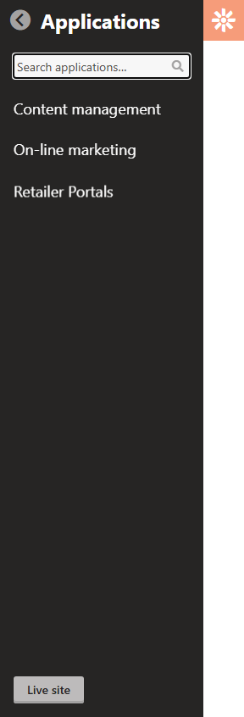
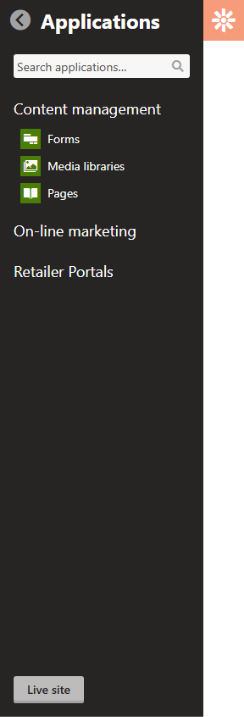
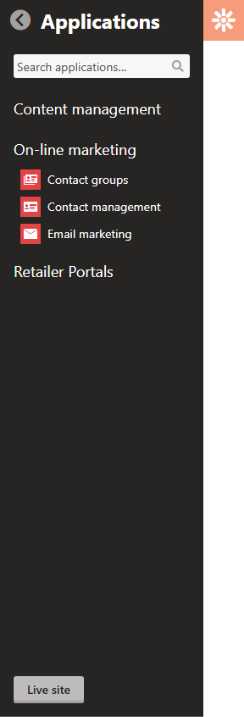
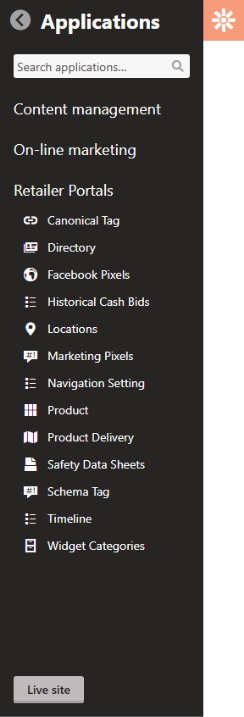

Close Applications Menu Icon
Click to close menu and return to standard dashboard.

Live Site Button
Click to open a live version of the site in a new window. Note the live site takes 30 minutes to update with newly saved content to allow time for last-minute changes.
Main Dashboard/Pinboard
Home Dashboard Pinboard for Favorite Applications
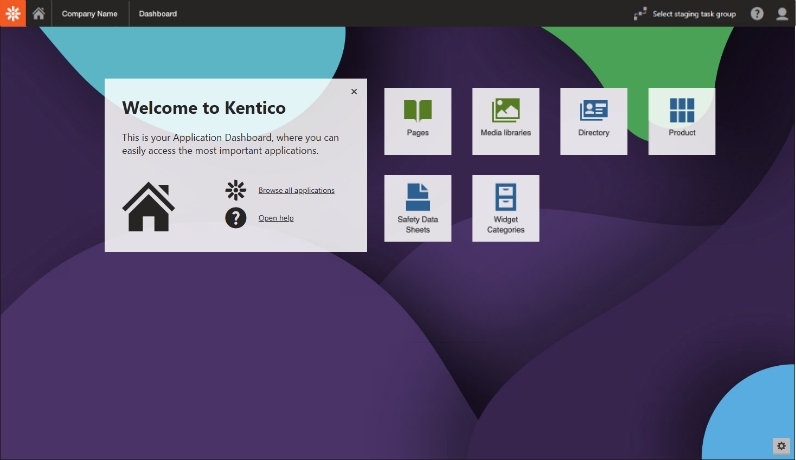
Pinned applications can be dragged to reorder them as desired. They now offer one-click access to favorite applications.
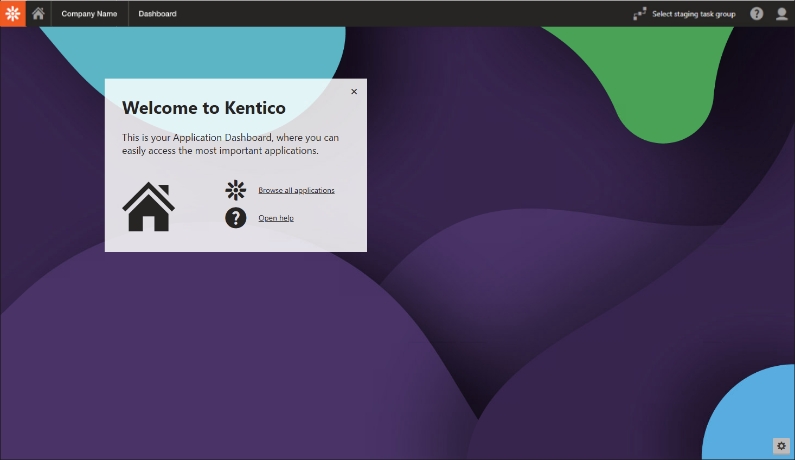
Click Edit Dashboard gear icon to activate application pinning.
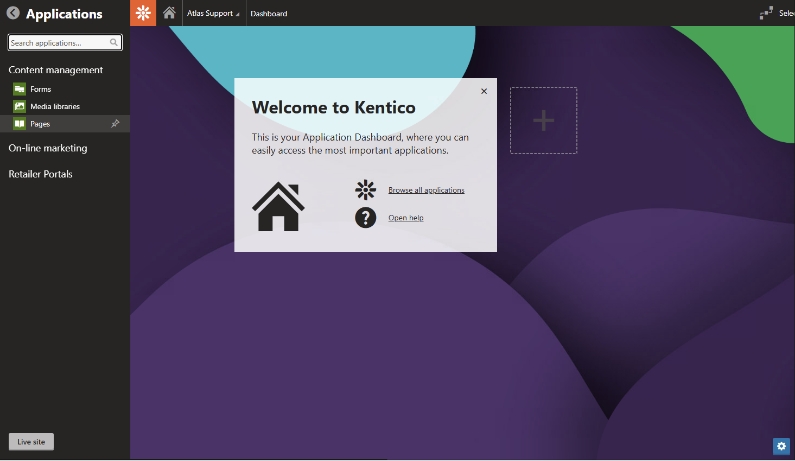
Search or select an application to pin to the dashboard. A small pin icon will appear next to the application on selection and it will be added to the plus box on the dashboard.
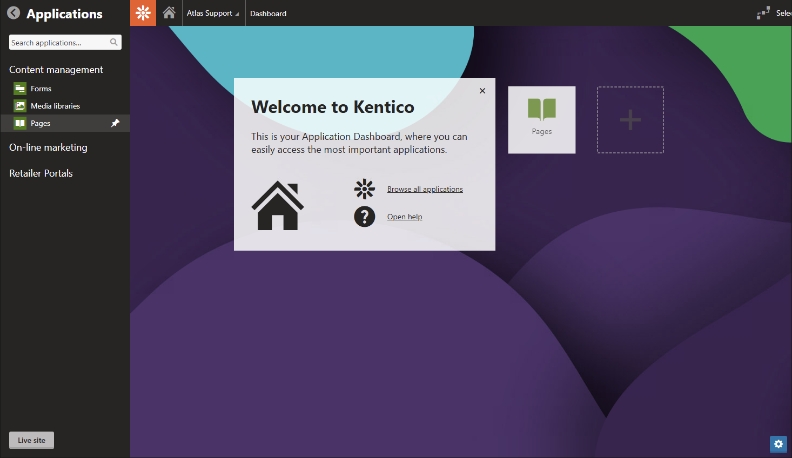
Click the plus box to add another application to the dashboard. Continue adding applications until done. Click Edit Dashboard gear icon again to deactivate application pinning.
ATLAS Pages Application
The Pages Application displays the entire website in an index view to allow for moving, editing, adding, cloning and deleting web pages.